

Frequent Q&A's
Usage Benefits
Remote control of mobile devices without direct contact
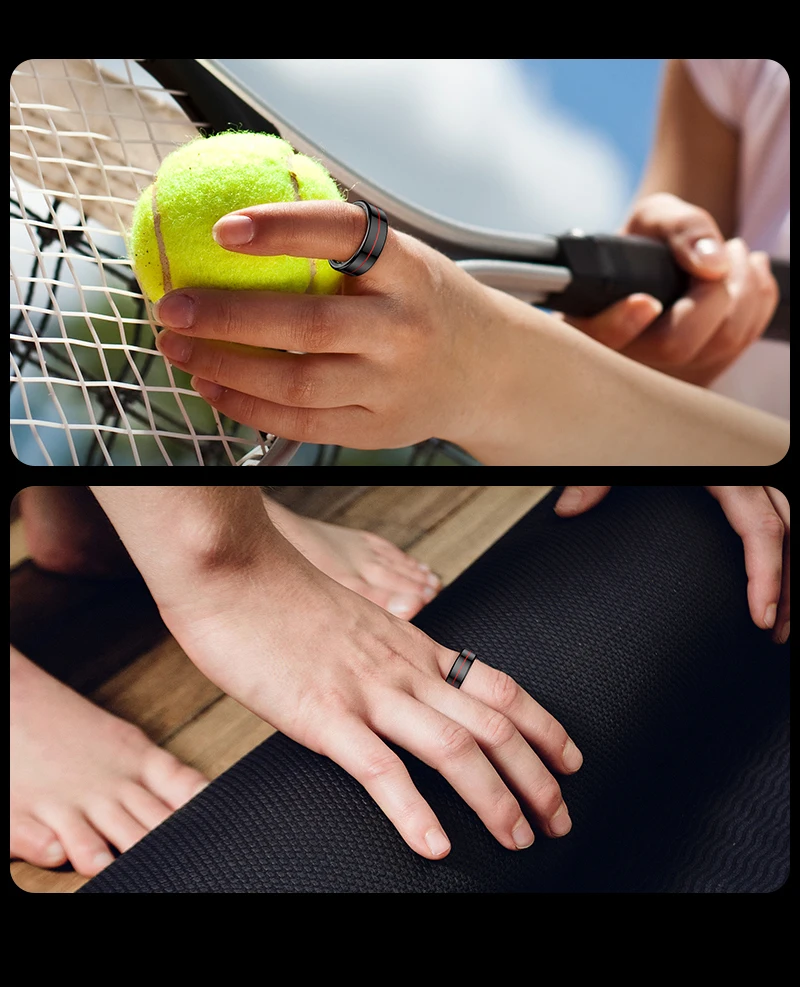
Hands-free operation improves comfort and ergonomics
Useful for content creation, presentations, and media control
Easy setup through Bluetooth connectivity
Efficiency Benefits
Saves time by reducing physical interaction
Increases productivity and task independence
Improves photo/video stability by minimizing movement
Long-lasting rechargeable battery
Benefits of Ownership
Greater technological independence
Versatile for personal, educational, and professional use
Enhances overall user experience
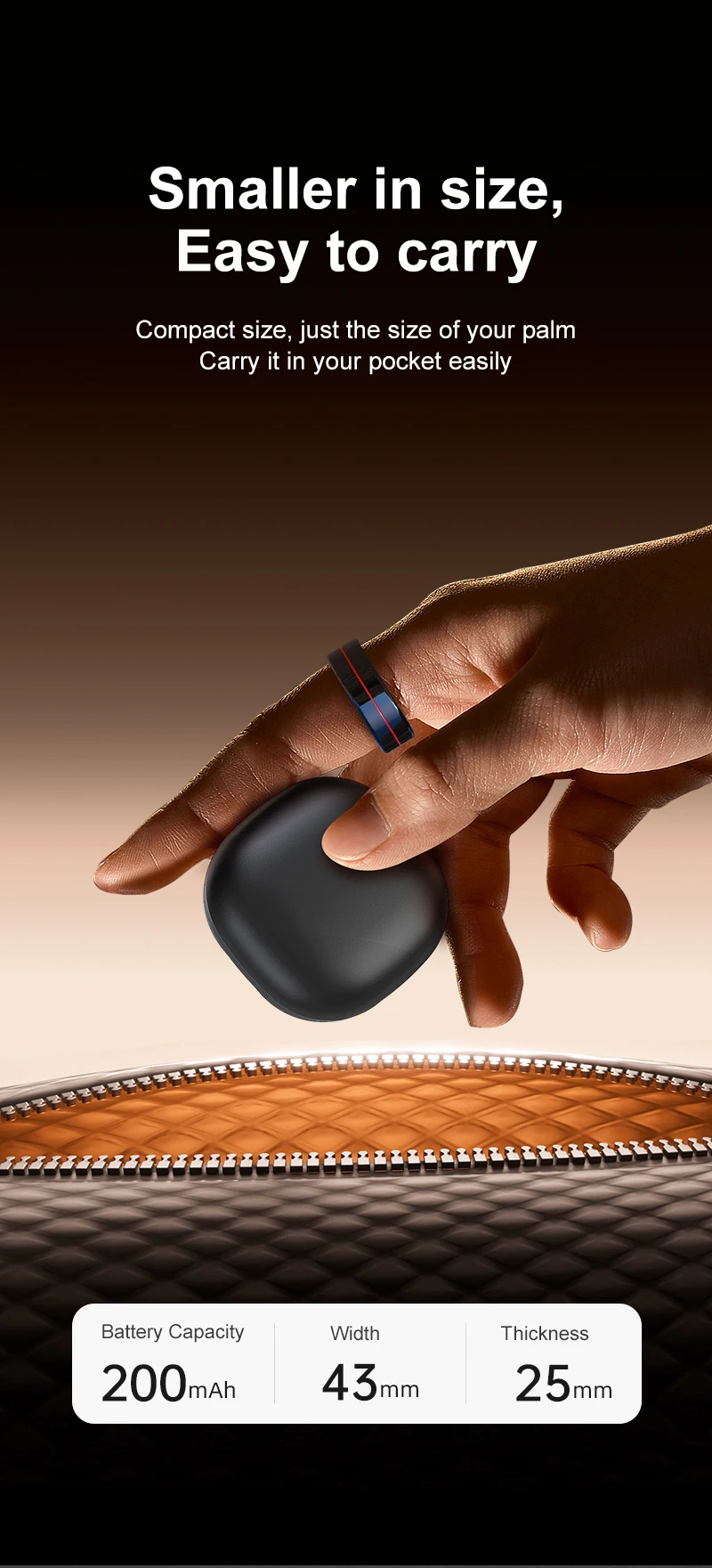
Compact, portable, and always accessible
1. Prepare the Device
Charge the ring fully and make sure it is turned off before starting.
2. Power On
Press and hold the main button for 3–5 seconds until the LED light turns on and starts blinking.
3. Activate Pairing Mode
If needed, hold the button for 5–8 seconds until the LED blinks faster or changes color.
4. Enable Bluetooth
On your phone or tablet, go to Settings > Bluetooth and turn it on.
5. Find the Device
Look for “Wireless Smart Ring Mouse” (or similar) in the available devices list.
6. Pair the Device
Select it and, if prompted, enter 0000 or 1234 (often not required).
7. Confirm Connection
The LED will stop blinking or stay steady, and the device will show as “Connected.”
8. Test Functions
Open an app (camera, video, etc.) and check buttons for photo capture, navigation, and playback.
Wireless Smart Ring Mouse
The main device designed for remote control and hands-free interaction with your mobile device.
Charging Case
A compact unit that allows you to store and recharge the device, providing protection and extended usability.
USB Charging Cable
Used to recharge the case or the device, ensuring continuous operation.
User Manual
A guide that includes basic setup instructions, usage guidelines, and safety recommendations.